I worked with StrongMind and StrongMind Learning Partners to create a training presentation on Zoom about writing video scripts.
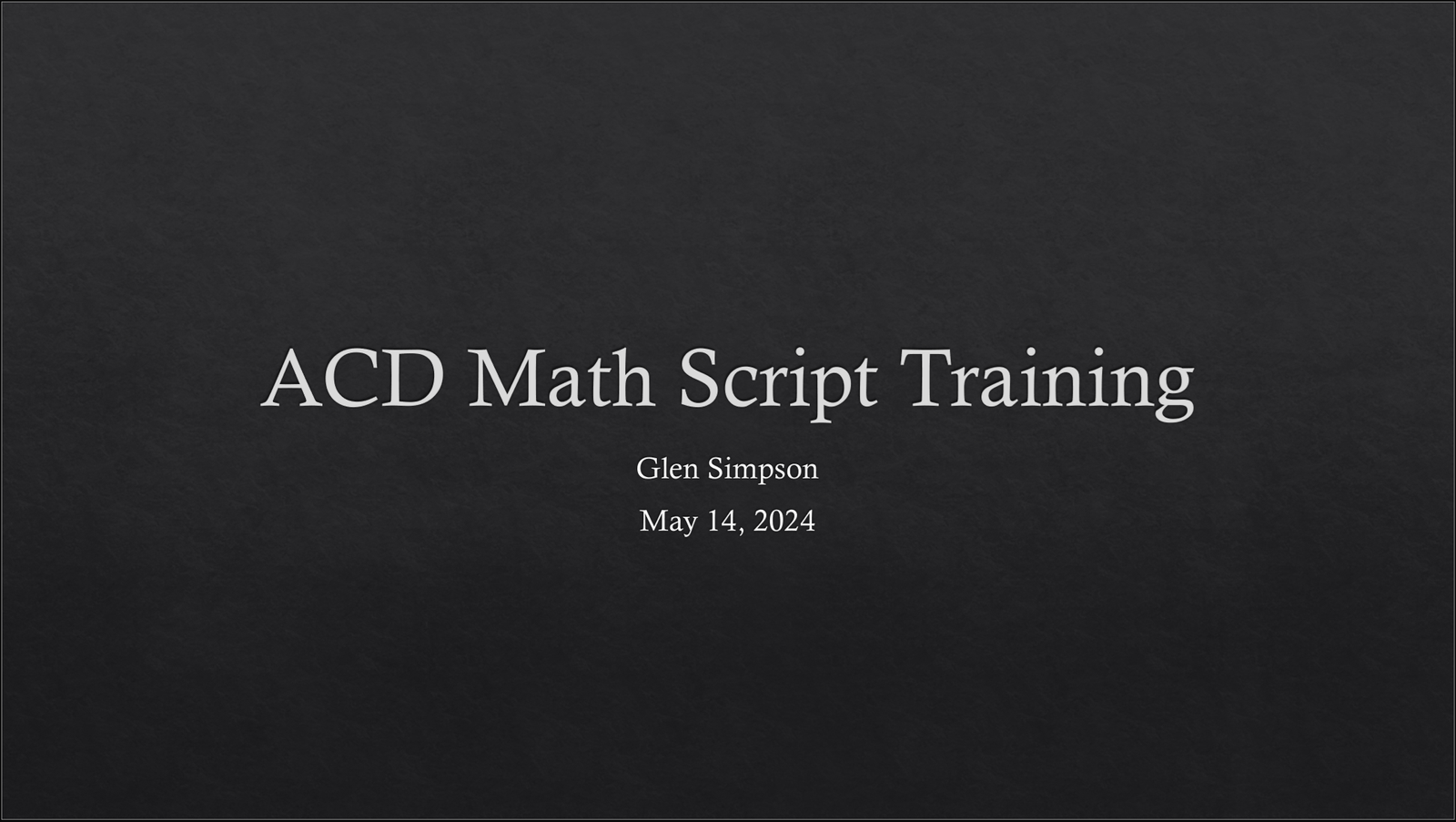
The purpose of the course was to help math subject matter experts (SMEs) from the Philippines write scripts for instructional videos that will serve high-school math students in the US.
- Audience: Math Academic Content Developers (ACDs) in Manila, Philippines
- Responsibilities: Instructional Design, PowerPoint Development, Supplemental Materials Development, Training Presentation
- Tools Used: Microsoft Word, Microsoft PowerPoint, Zoom
The Problem
Academic Content Developers (ACDs) in Manila had little to no training in scriptwriting and were required to produce scripts for instructional videos for high school math courses for US-based students.
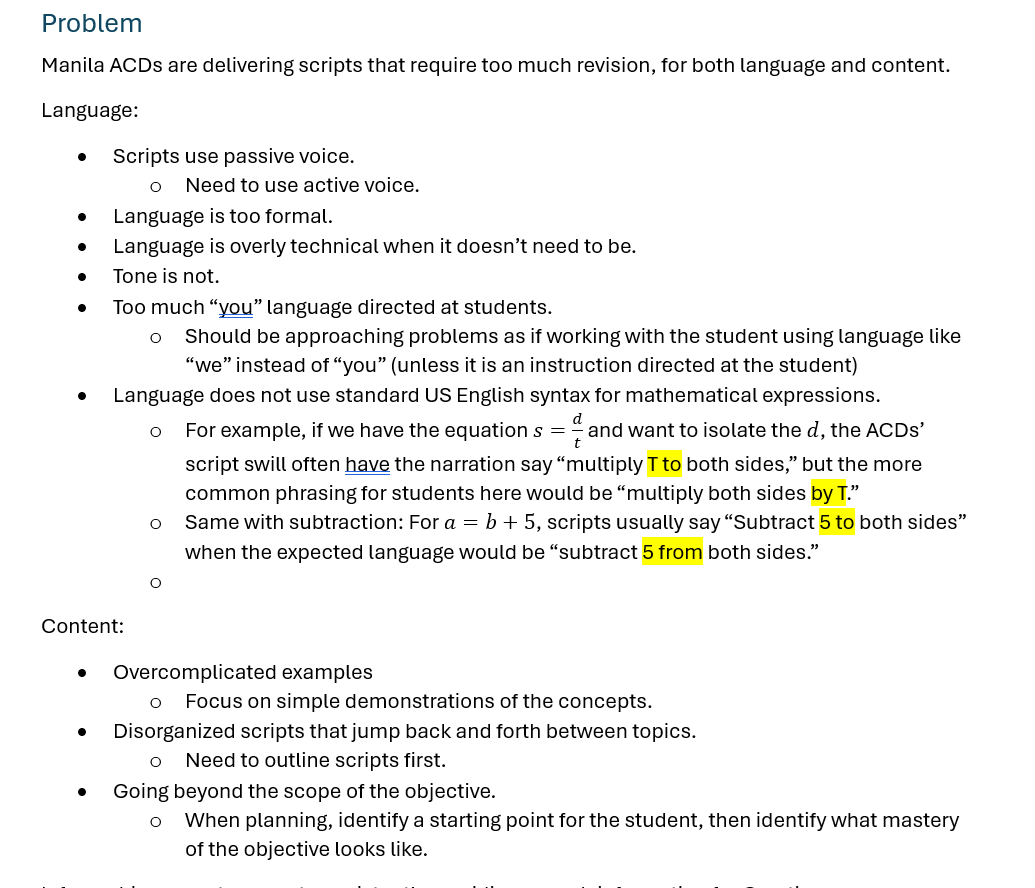
The scripts they were writing were requiring multiple revision cycles for both content and language to have appropriate and accurate examples, and language localized for US-based students.
There was an opportunity in between content development cycles to deliver focused training to the ACDs.
The Solution
In this case, there was a requested solution was to deliver a live training presentation and scriptwriting workshop. This training needed to fit into a 1-hour block where there was overlap between the US- and Manila-based teams.
Since there was no budget allocated for specific tools, we opted to use an existing account to develop the training materials exclusively in PowerPoint and Word, with the presentation using an existing Zoom account to host the training.
Based on these restrictions, I proposed that we specifically target the problem areas of the existing scripts and have the ACDs work together where they could learn more basic concepts from the more experienced scriptwriters.
The workshop would include examples of scripts I produced where they could identify and correct samples of common errors in a small group setting and then get immediate feedback.
At the conclusion of the session, they would have perpetual access to the training recording and presentation, as well as the supplemental materials completed by all groups, including ideal exemplars.
The Process
I started out with an initial conversation with the curriculum manager responsible for the team of ACDs to identify the problem(s) that needed to be addressed through the training that was requested.
Once the general problems were identified, I gathered data from both good and bad examples of work the ACDs had already produced to identify the specific areas that needed to be targeted for the highest impact on quality and revision cycles.
After identifying these high-impact topics, I broke them down in to appropriately sized learning objectives for the training, ensuring the training would sufficiently cover required information and stay within the intended scope of the training. I then built an outline, and created a skeleton for the training in PowerPoint, identifying specific locations where supplemental materials would need to be created.
I then reviewed the objectives, course structure, and the lift for the creation of supplemental materials for approval from the Curriculum Manager for the trainees.
After receiving approval, I authored the content for the PowerPoint and created all of the supplemental materials.
Upon completion of the materials, I forwarded the training back to the Curriculum Manager for a final approval of the course content a week before the training was to happen.
On the training date, I presented the live training to the Academic Content Developers and their managers via Zoom.
Deliverables
The Needs Analysis
In this case, the needs analysis was more of an informal process of identifying the specific problems that were occurring with the team’s current scriptwriting.
While this wasn’t a formal document delivered to the client, this is a crucial part of the instructional design process to ensure the solution addresses the problem.
The Outline and Objectives Documents
After analyzing the example scripts, I developed high-level goals to organize the training into appropriate chunks of information.
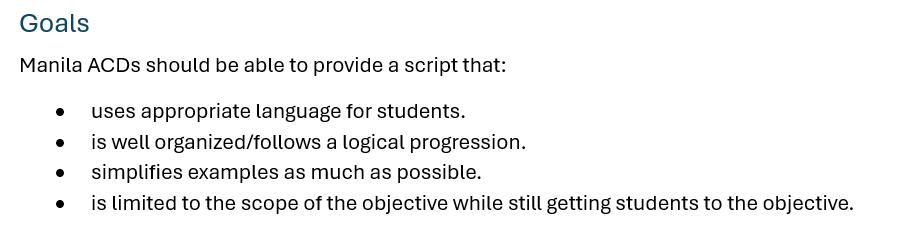
Based on these goals, I drafted an outline noting the amount of time I anticipated we could allot to each section and identifying supplemental materials that would need to be developed.
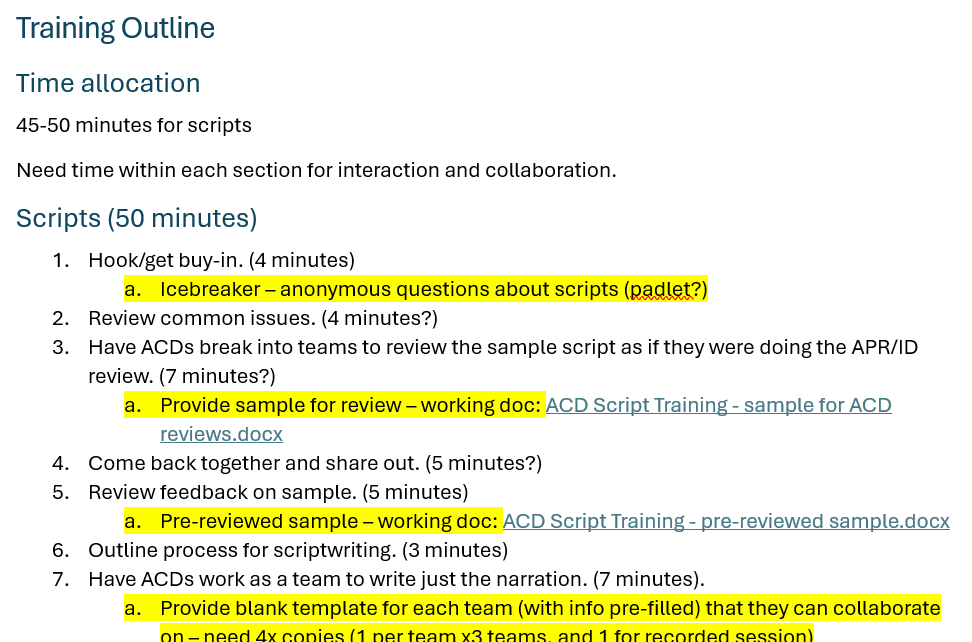
The time management was crucial for ensuring we could fit the entire training and workshop into the 60-minute overlap between the two teams.
Since any supplemental materials would create significant additional lift, those needed to be identified and approved before authoring began.
PowerPoint Presentation and Training Delivery
The format of the training document was a PowerPoint presentation that I would present in a Zoom meeting. Prior to the training session, I worked with the trainees’ manager to review and revise the training materials.
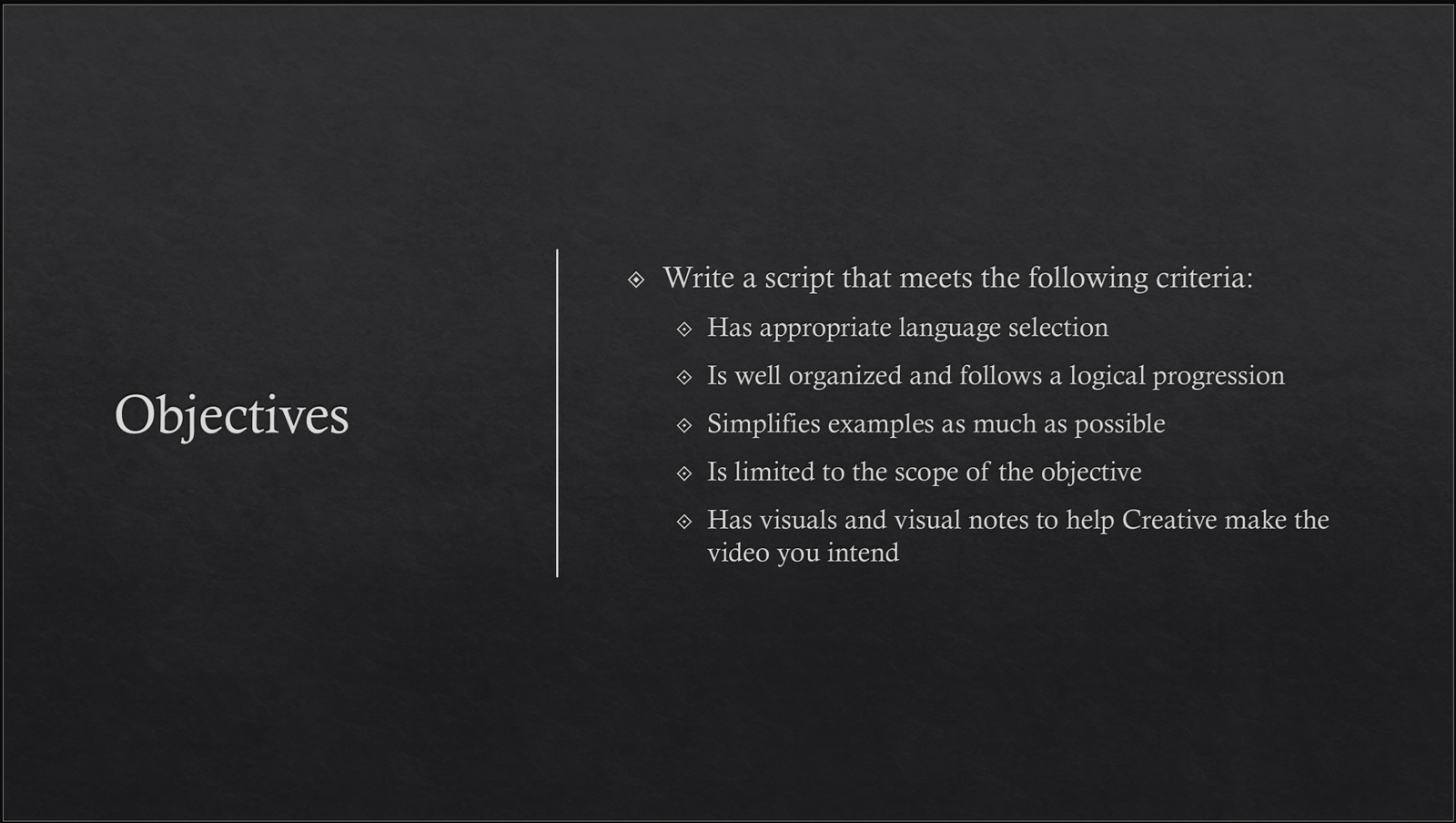
Right at the beginning of the session, I identify the objectives for the learners, so they know exactly what to expect from the session.
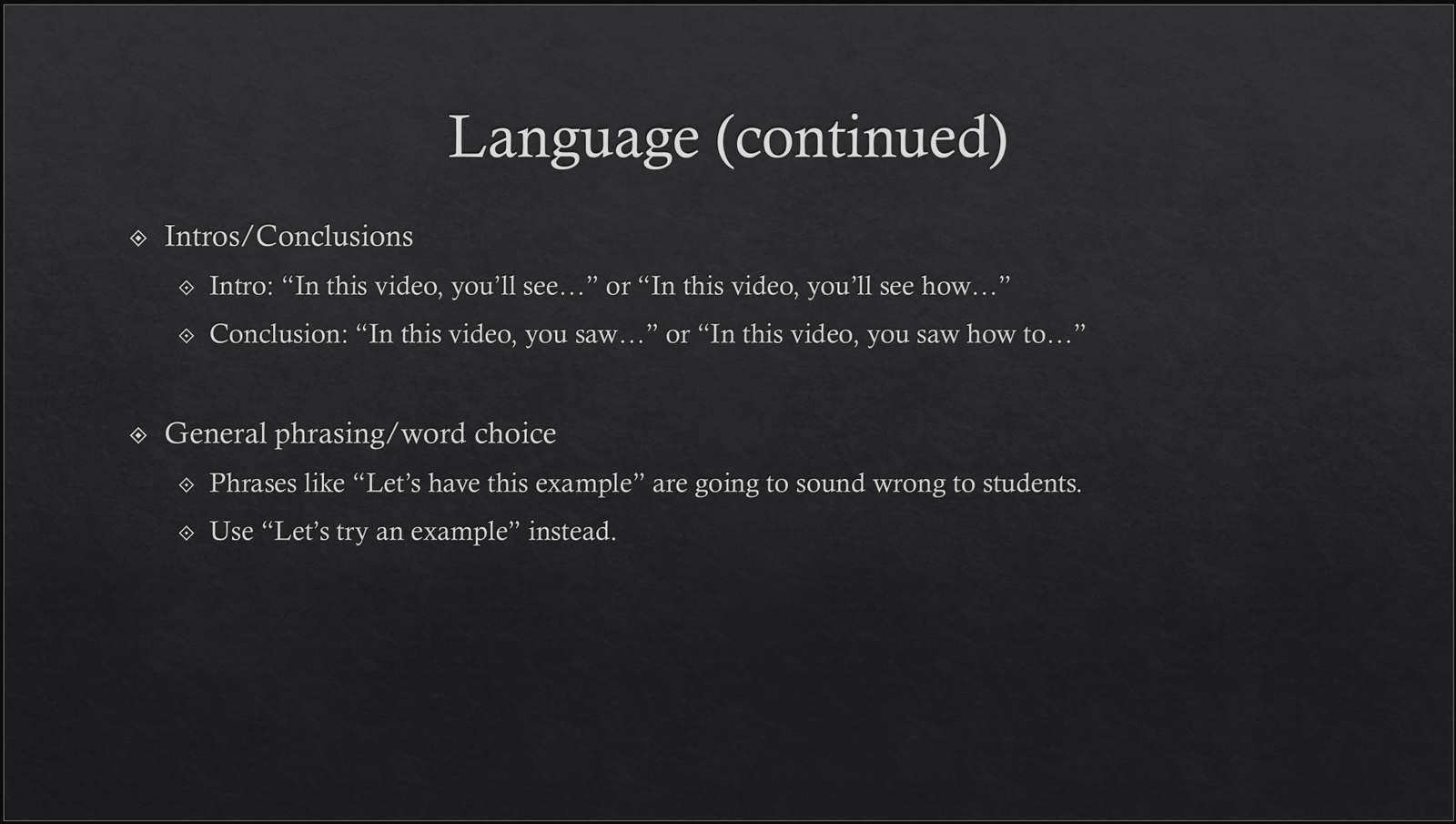
Throughout the instruction, content is chunked into appropriately sized pieces, and slides are animated to ensure learners’ focus is where it should be. It was also an aim to never have an overwhelming amount of text on a given slide.
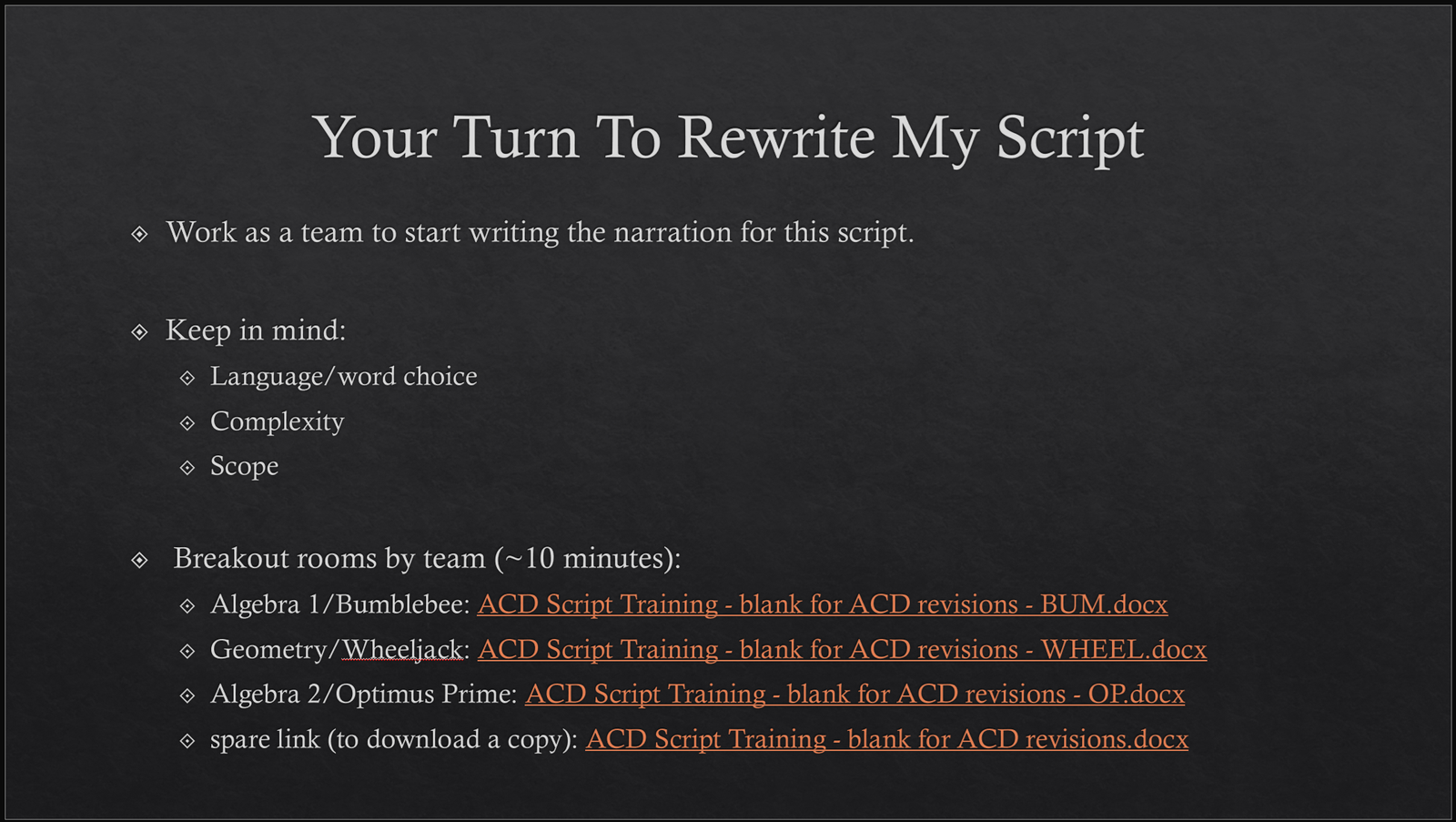
During the training, there were several periods where trainees were split into breakout rooms and worked with their content teams on specific examples so this could serve as a workshop for them.
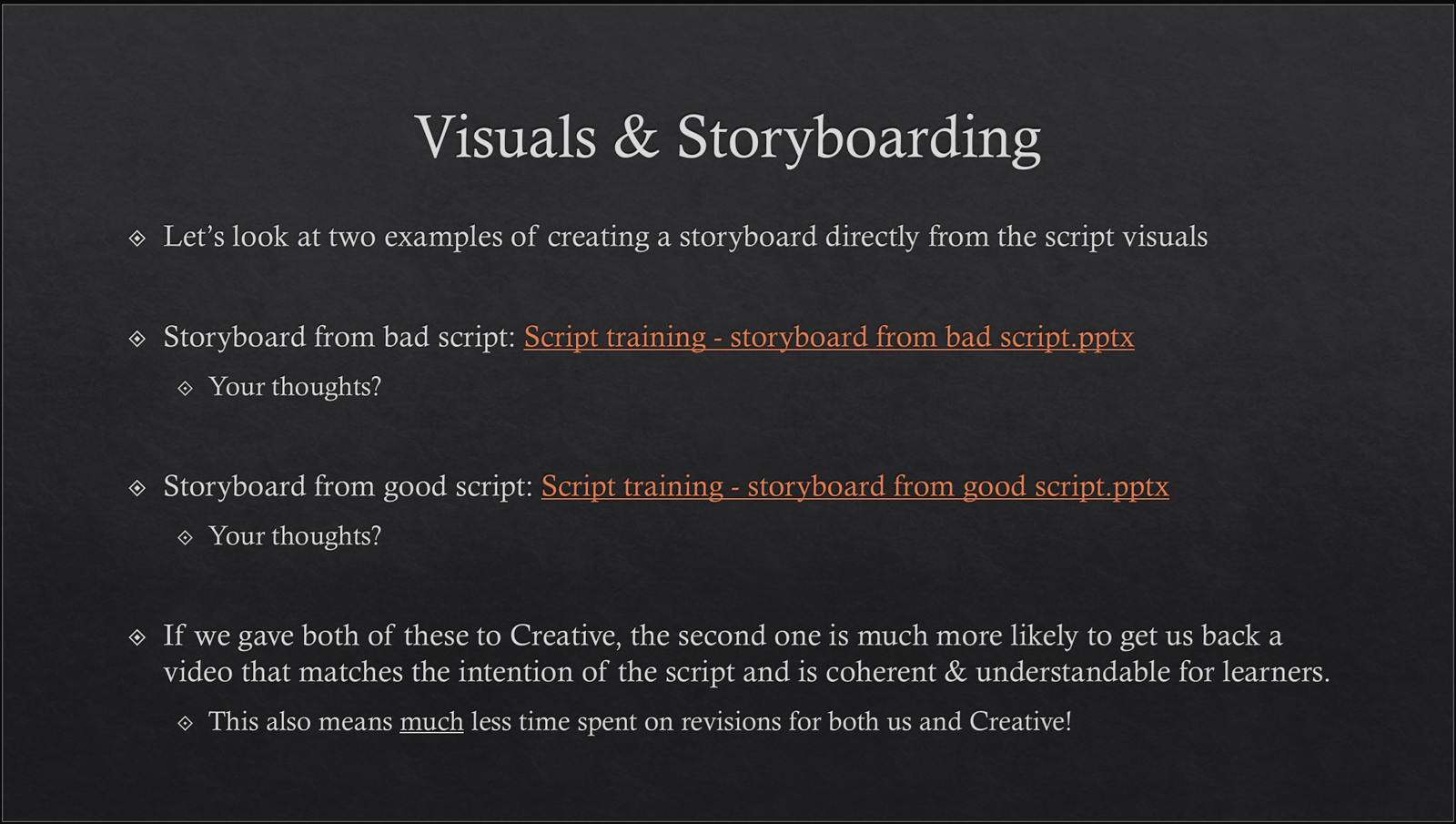
There were also points where there were group discussions about what good and bad sample content looked like, so trainees would know what to emulate – in this case, so they could anticipate what their Creative team might create from their script.
Results
After this training, the Academic Content Developers expressed that they feel more confident in their ability to write these instructional video scripts.
The number of revision cycles per script and the amount of time spent on each revision was reduced in the development cycle following this training, allowing for the total time spent on writing and reviewing instructional video scripts to be reduced while increasing the number of scripts produced.