I worked with the Arizona Newspapers Foundation to create an eLearning course called Creating Video Content for Journalism.
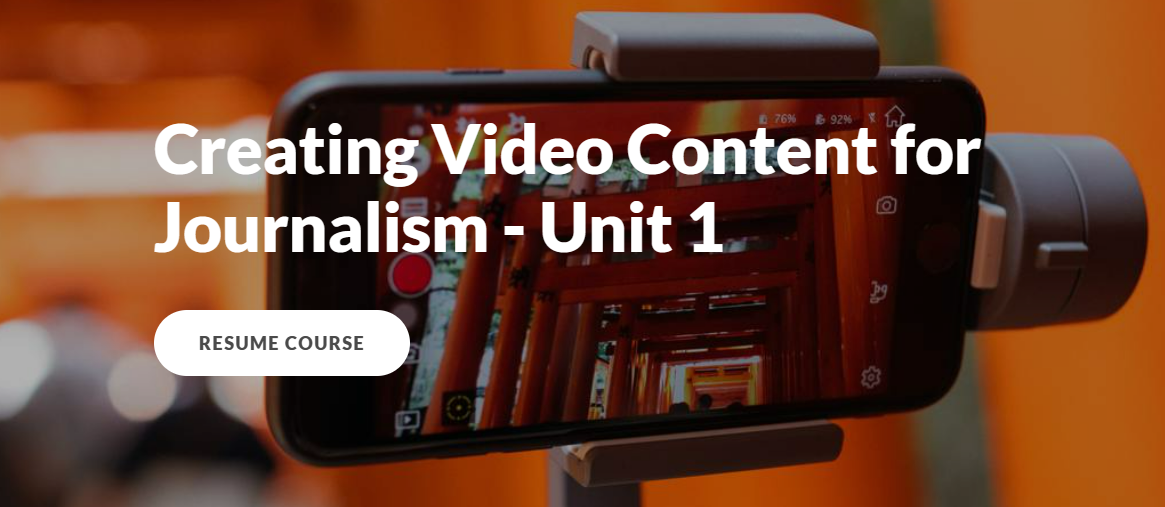
The purpose of the course was to help newspaper print journalists learn how to produce professional, short-form video content to accompany their print articles.
- Audience: Newspaper Reporters
- Responsibilities: Instructional Design, eLearning Development, Content Authoring, Scriptwriting, Voiceovers, Video Editing
- Tools Used: Articulate Rise 360, Articulate Review 360, DaVinci Resolve 18 (video editing), Vimeo, CapCut Video Editor (demo software for course), Dropbox, Microsoft Word, Microsoft PowerPoint
The Problem
Newspapers in Arizona had discussed a need within their trade association, the Arizona Newspapers Association, to have their print journalists create short video content for social media and the newspaper websites to retain and increase readership.
The publishers had universally been getting pushback from their journalists about not having the knowledge and skills to create professional quality videos and not having access to the right equipment to record and edit professional videos.
The Arizona Newspapers Association also saw this as an opportunity to create and manage eLearning course content as part of their strategy to maintain financial stability amid shrinking advertising revenue, and they chose to present the course as part of their 501(C)(3) non-profit, the Arizona Newspapers Foundation.
The Solution
My proposed solution was to develop a media-rich eLearning course that results in a final project deliverable, using either Articulate Storyline 360 or Articulate Rise 360.
The emphasis on media was for a variety of reasons, first and foremost, because we would have access to a subject matter expert (SME) who was already a print journalist creating video content to go alongside his print stories and having success in another state. Since getting buy-in was already an issue in this case, it was important for journalists to hear directly from someone already implementing doing this. Secondly, we are trying to emphasize the importance of short video content alongside text to communicate information, so we should demonstrate that in the course.
Since the whole purpose of the course was to train journalists to create a deliverable, I wanted to ensure that by the time they completed the course, they will have already done that at least once, and presented to their supervisor for feedback.
The Process
I started out formal data gathering consultation meeting with the product owner, the Executive Director of the Arizona Newspapers Association, to analyze what the needs were for the project in terms of learning outcomes, budget, project timelines, as well as what resources were available so that we could decide on a course of action and walk through the next steps.
After we had a vision for the course and development laid out, we started to design the course structure. We went through an outlining process and wrote course objectives in conjunction with SMEs to ensure that all necessary information was sufficiently covered for the audience, chunked into appropriately sized parts for learning, and that we stayed within scope for the duration of the project. I then used that information to build a course skeleton in Articulate Rise 360.
Once the plans were finalized, we started the development phase of the project. I met with SMEs again to discuss what authoring would look like for this course since multiple SMEs would be writing content, and I got each of them set up with the part of the outline and objectives they would be writing content for. I consulted with the SMEs to revise their content and ensure alignment with objectives, and I authored parts of the course for video editing where I had expertise. I designed the project, including providing project rubrics, and created several interactive elements and assessment questions throughout the course to assess learning outcomes.
I also did all of the video editing for the course, with SME interviews, sample clips, and instructional videos. I sourced stock images and video for the course, and shot several images and video clips when necessary. Finally, I also wrote scripts for, storyboarded and provided voiceovers for several of the instructional videos.
After the end of the development cycle, I assisted the Arizona Newspapers Association with getting the course into their new LMS and created a promotional video for them to send out to members to generate interest.
Deliverables
The Needs Analysis
This was a consultation meeting with the product owner to determine what the needs of the project were – what is the problem you’re trying to solve?
First, I outlined what I knew so far based on the initial contact. Then we discussed the goals for the project, the audience, the constraints, what our communication was going to look like, what data was available already, and what resources we already had that we could use for this project.
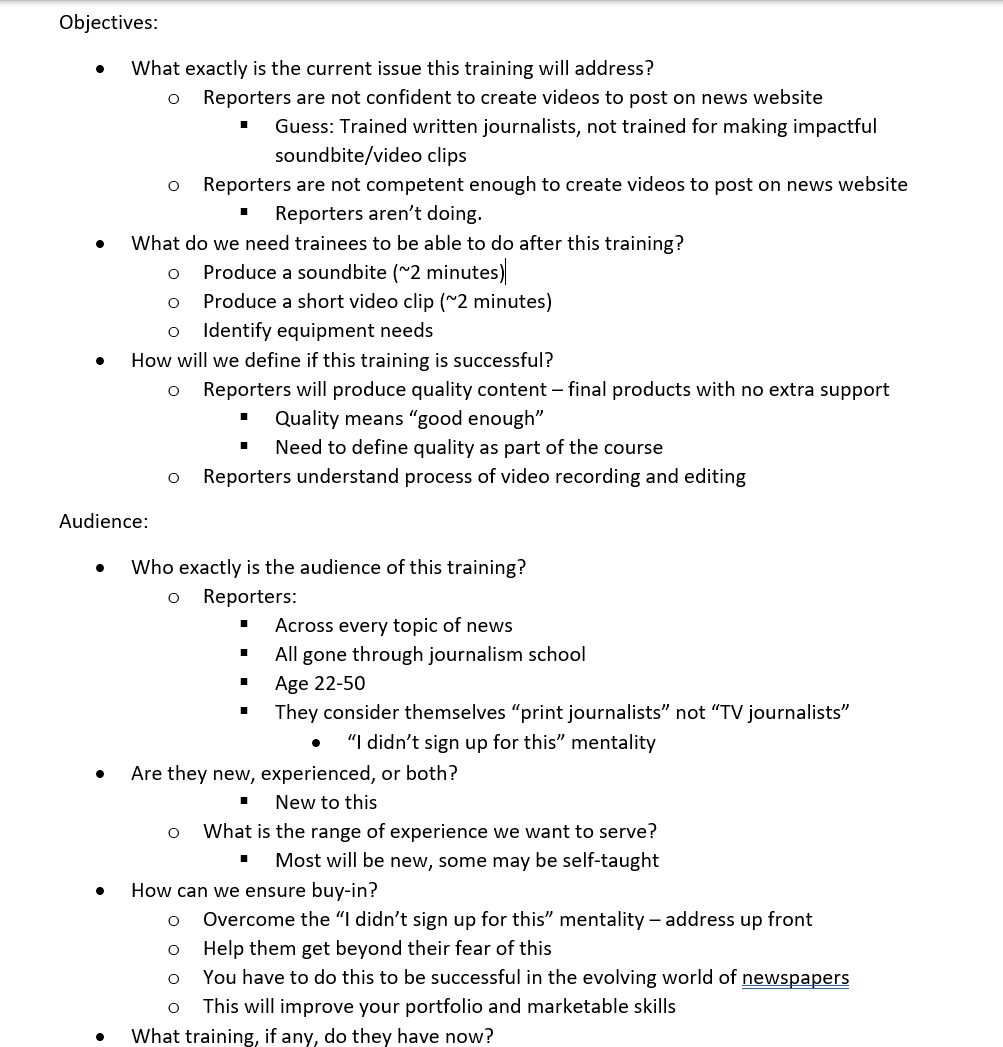
During this meeting, we also talked about development models for our project, and we ultimately decided to use ADDIE along with backwards design. I made sure we were on the same page with what our development would look and feel like, and laid out the next steps.
I also took advantage of this time to get to know the product owner and what her motivation was for this, judge her level of buy-in, and gather information about the SMEs I would be working with.
The Outline and Objectives Documents
We started with a rough course outline from the product owner, based on her understanding of the content and our initial discussion on the project needs.
Based on this outline, I provided written feedback and recommended that we have a call to discuss.
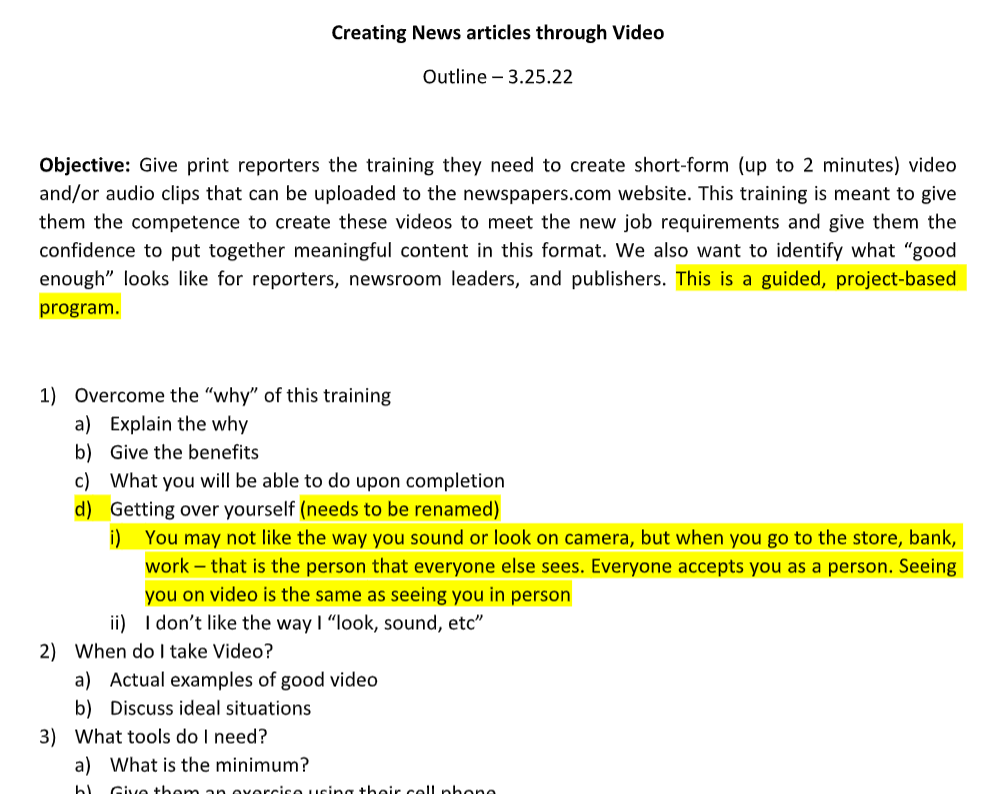
I then took the initial outline, and based on our discussion, I provided a revised outline for the course.
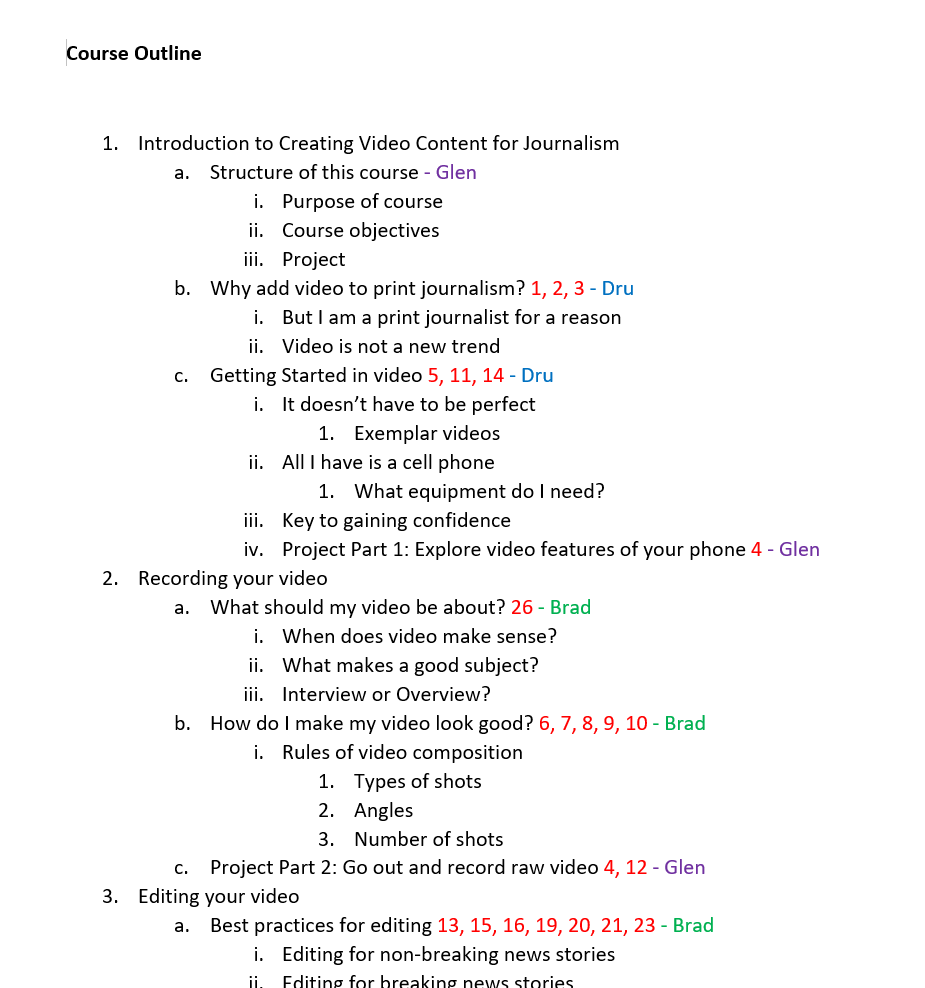
For this revised outline, I structured it to be easy to read and reference and reflect a structure that I intended to turn into the course skeleton.
I also wanted to identify who would be authoring the different parts of the course and which objectives would be addressed in each part.
This screenshot represents part of our outline after including all of this information.
To go along with the outline, we also collaborated on writing the objectives that would be addressed in the course.
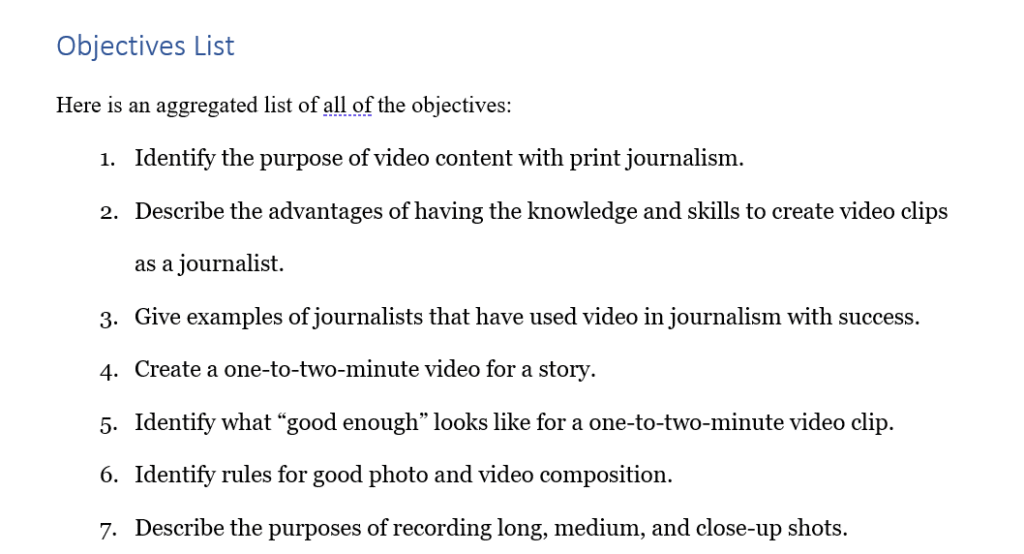
Here is a sample of some of our final course objectives.
The numbers in the objectives document correspond to those in the course outlines.
These two documents taken together would guide the development of the course.
Authored Content and Assessments
There were several parts of the course where we did not have a SME with expertise, but I did have significant experience. After a discussion with the product owner, I was able to step in as the SME and author the content for these areas.
I followed the same process I asked of the other SMEs, utilizing the course outlines and objectives as a guide to determine what content knowledge is both necessary and within scope.
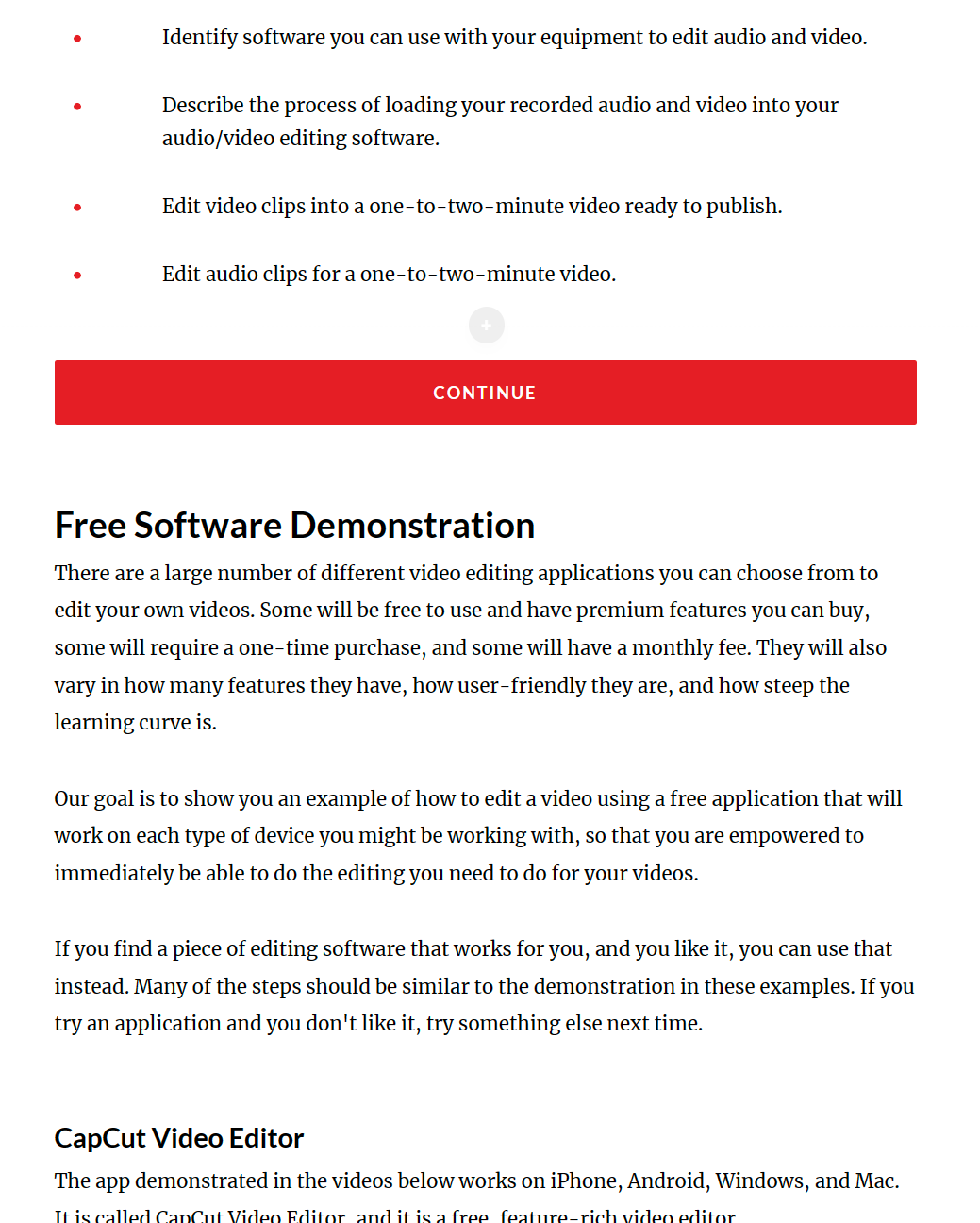
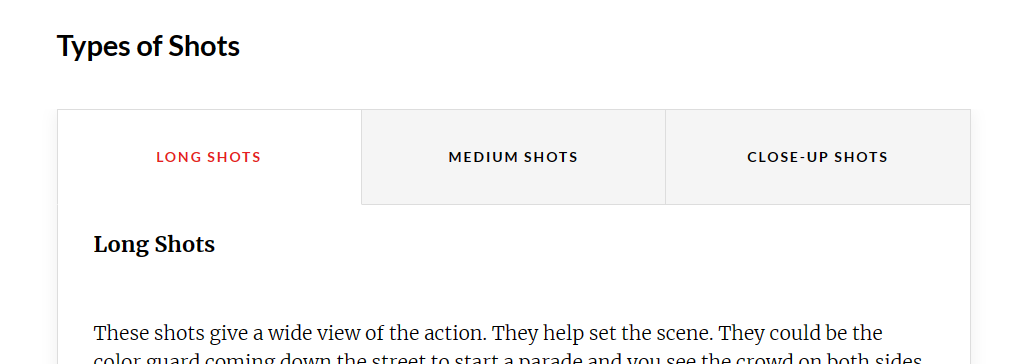
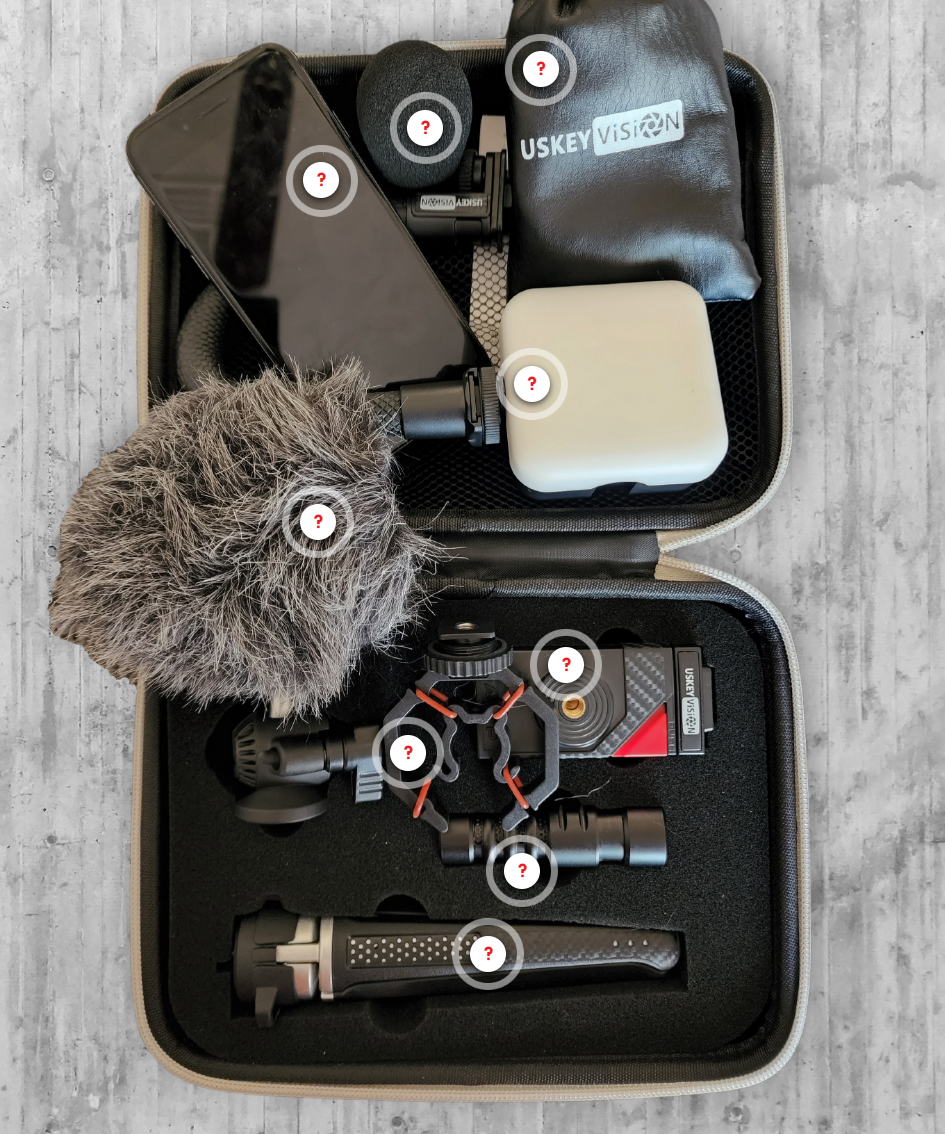
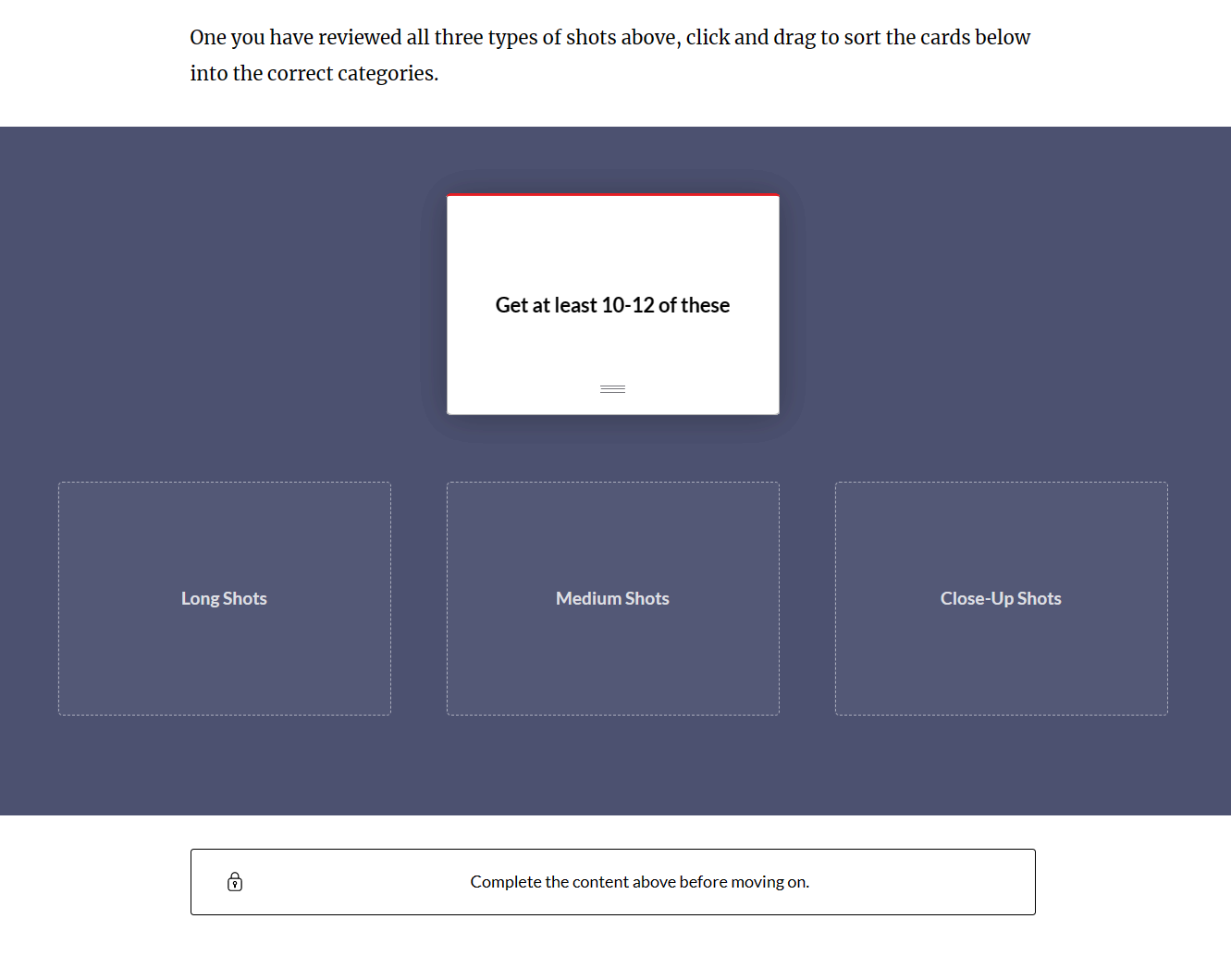
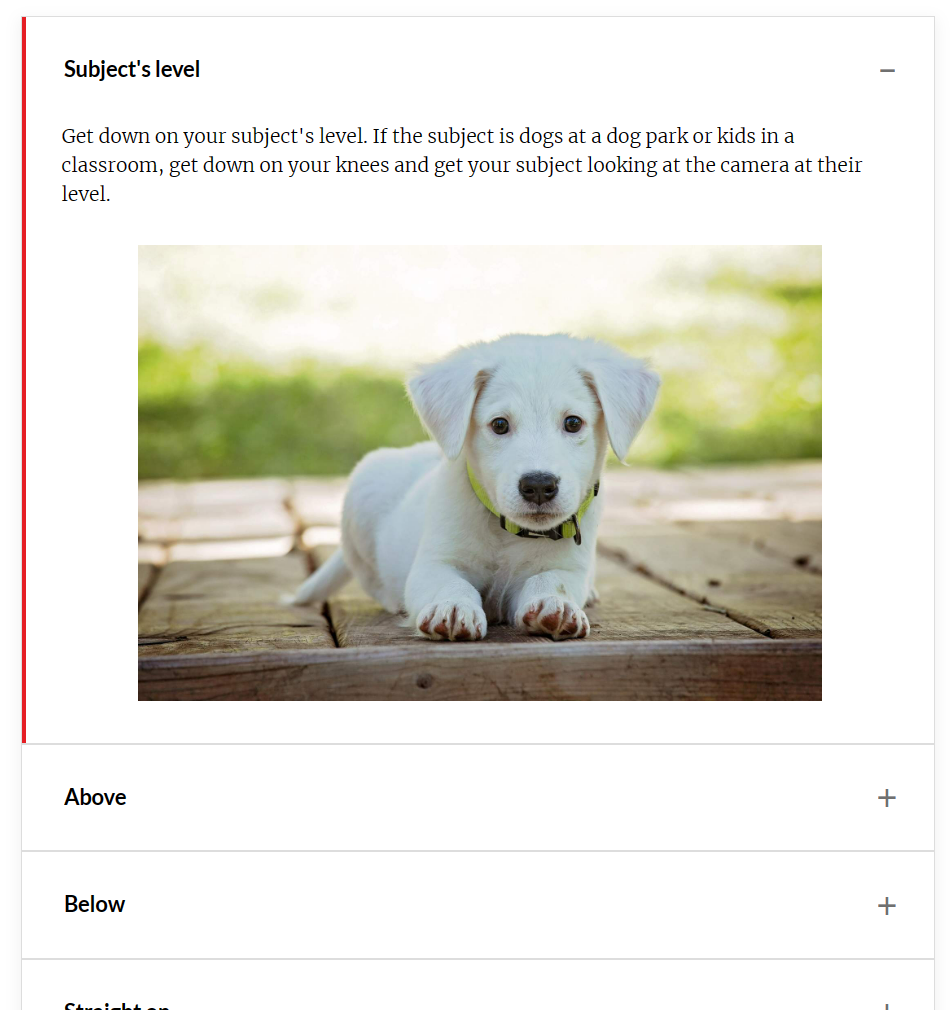
I opted to include interactive elements within the content because they are also crucial for engagement and knowledge retention. Even something as simple as using tabs (top left) or an accordion (below) helps learners feel a sense of agency and ownership of their learning. Annotated images (middle left) can also achieve these same effects and stand out as memorable and unique.
I also included several interactive elements such as the sorting activity (bottom left) to allow learners to assess their own learning.
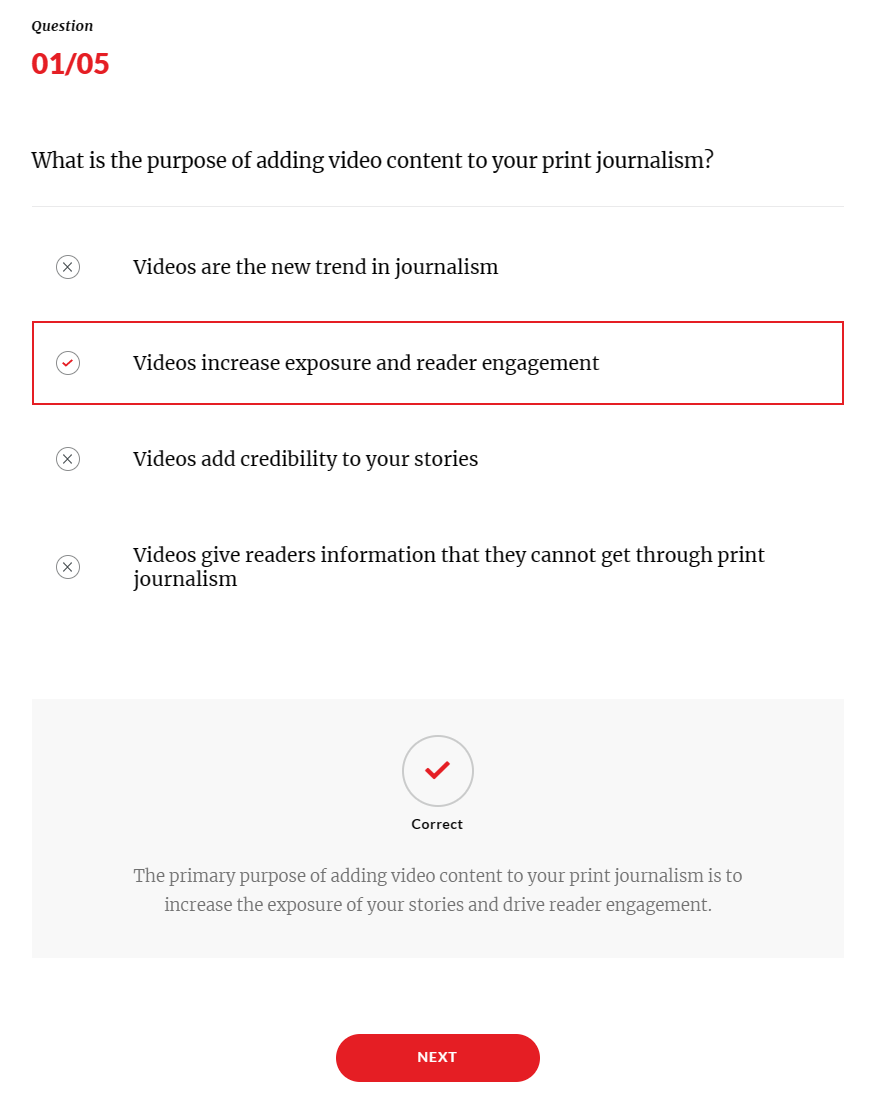
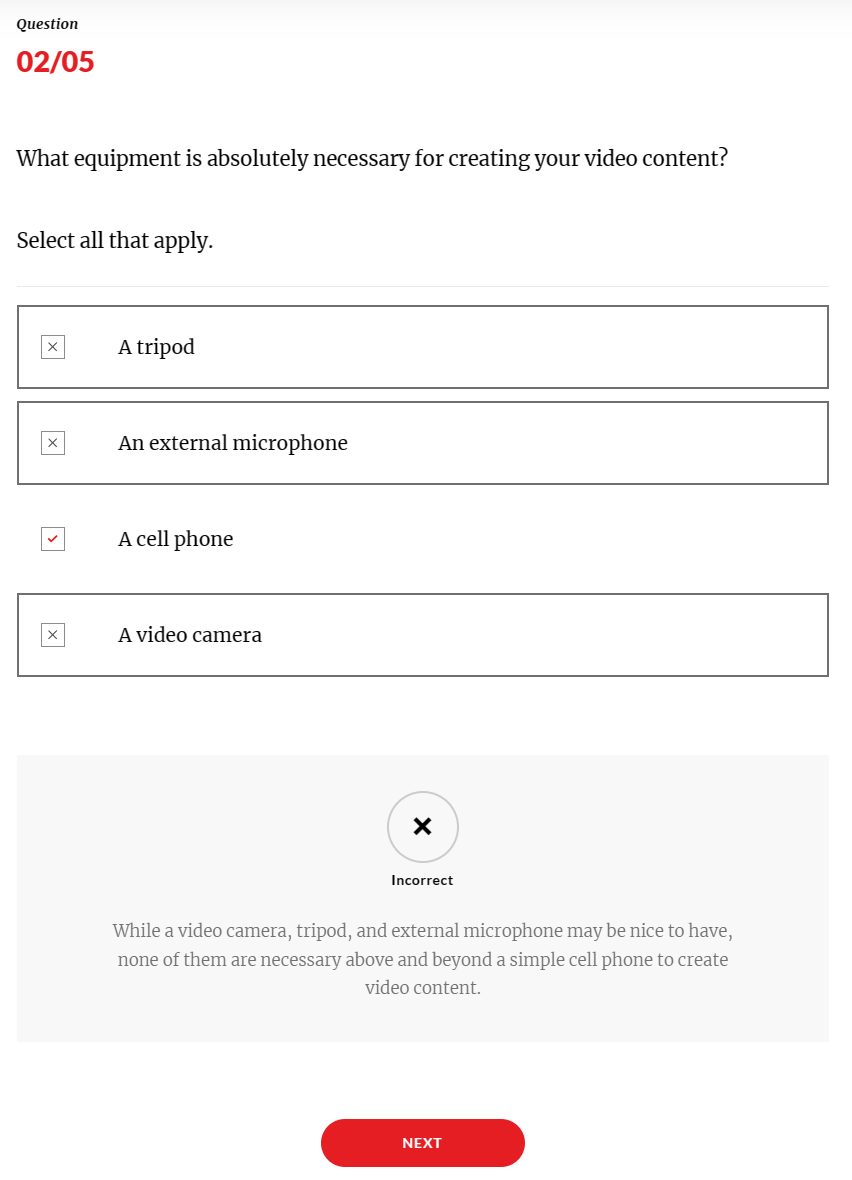
And then finally, there are assessments, with feedback for both correct and incorrect answers spread throughout the course with a quiz at the end of each section. These assessments are aligned to course objectives and help us determine if the content and course design are helping our audience learn what they need to, and help them assess their own learning as they go.
Script and Storyboard
As part of the media development, I wrote the voiceover scripts for and storyboarded the instructional videos. Due to the relatively high lift required for an instructional video compared to text or an image, it was important to make sure that everything is planned out to be exactly what we want before we get started.
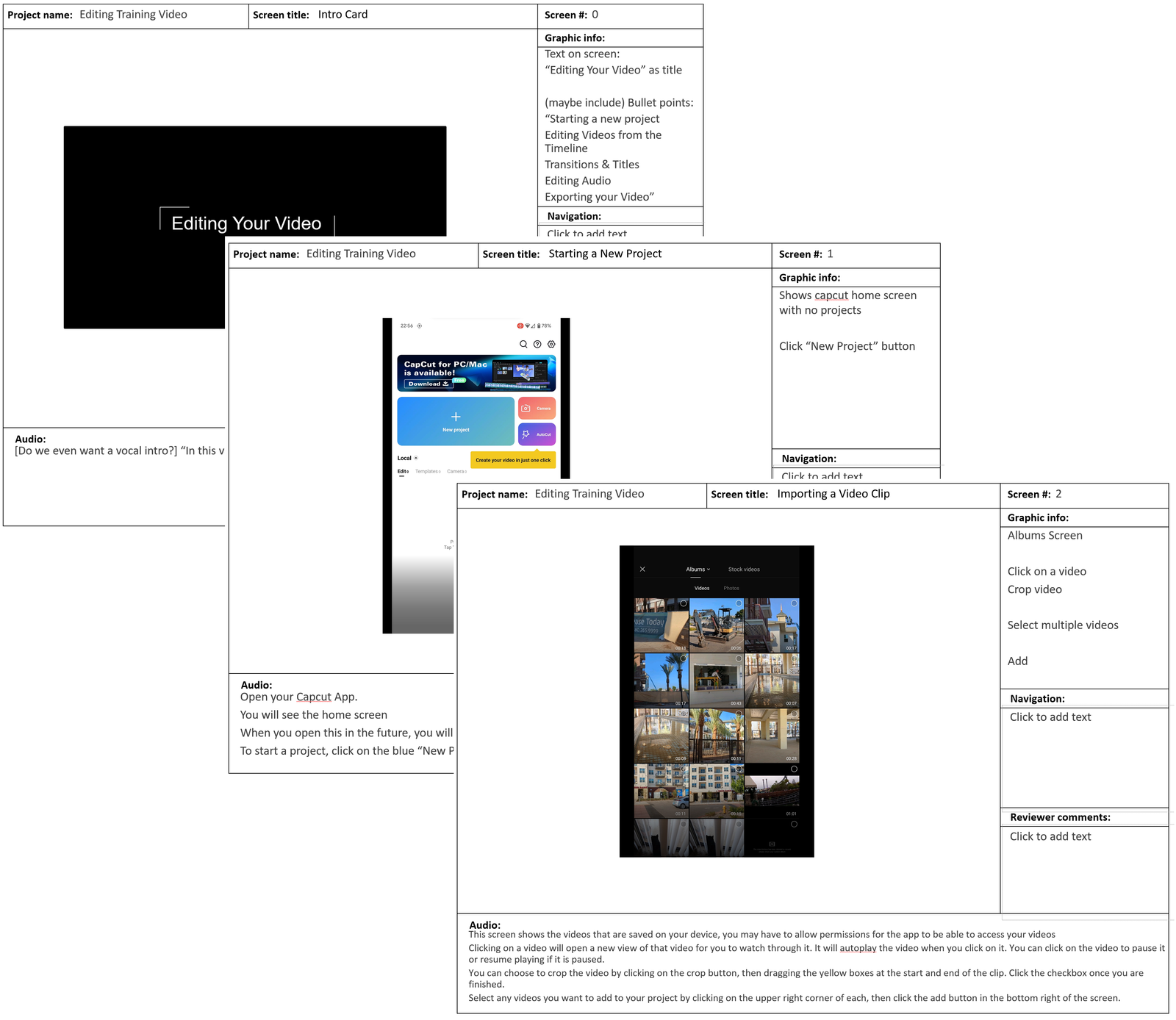
This includes planning out both visual elements and voiceover audio. Sometimes the visual elements will be readily available, but for some parts of these course videos, I ended up having to go out and shoot new footage, both with my phone to demonstrate in the course, and with a more professional setup.
Instructional Video
As mentioned before, we leaned heavily on video for this course for a number of reasons. First of all, because this course was about learning how to create videos, we wanted to demonstrate the effectiveness of these short videos to help get buy-in because we had already identified that as an issue.
Video is a very powerful tool to communicate knowledge and demonstrate skills in an online training environment. The best tool for demonstrating complex tasks would be an in-person training, but the next best tool is video.
I wanted to keep the videos short and simple. The two videos shown in the image to the right are both between 2 and 3 minutes long and are focused on helping the learner achieve a single task.
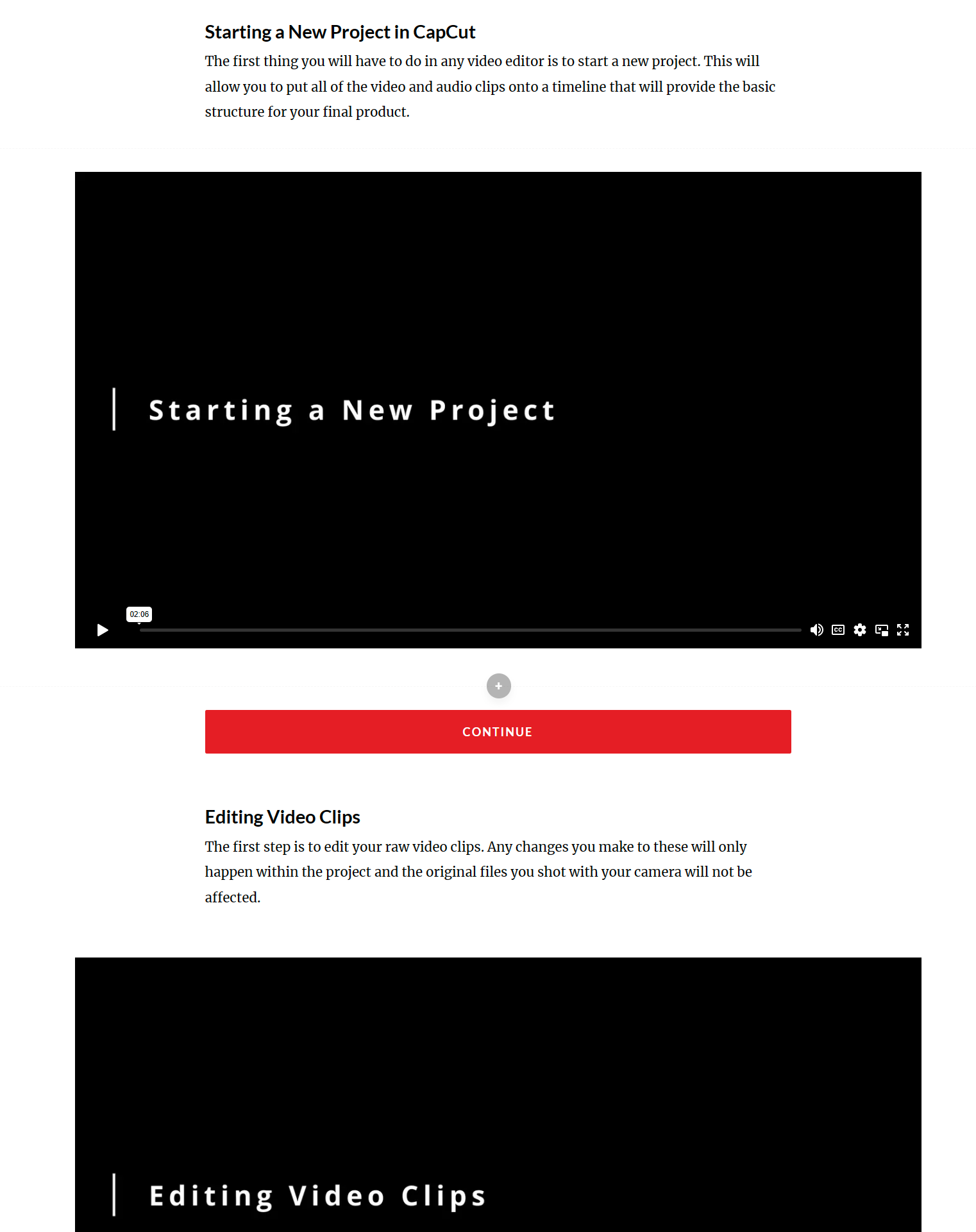
The page actually consists of a series of 5 videos to demonstrate the technical steps required to perform the overall task. By breaking them down into smaller chunks, learners can progress at a comfortable pace and actually digest one piece of information before moving on to the next one.
Here is one of the instructional videos:
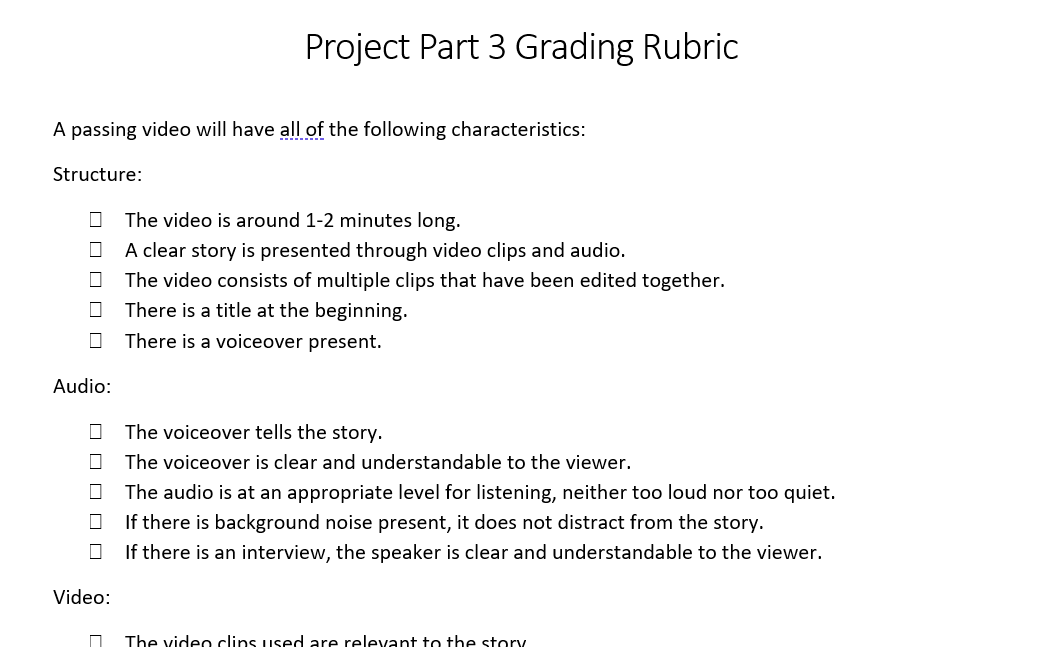
Project and Project Rubrics
Since the primary purpose of the course is to get audience to be able to produce a product, the approach that makes the most sense is to train them by having them make their own example of that product.
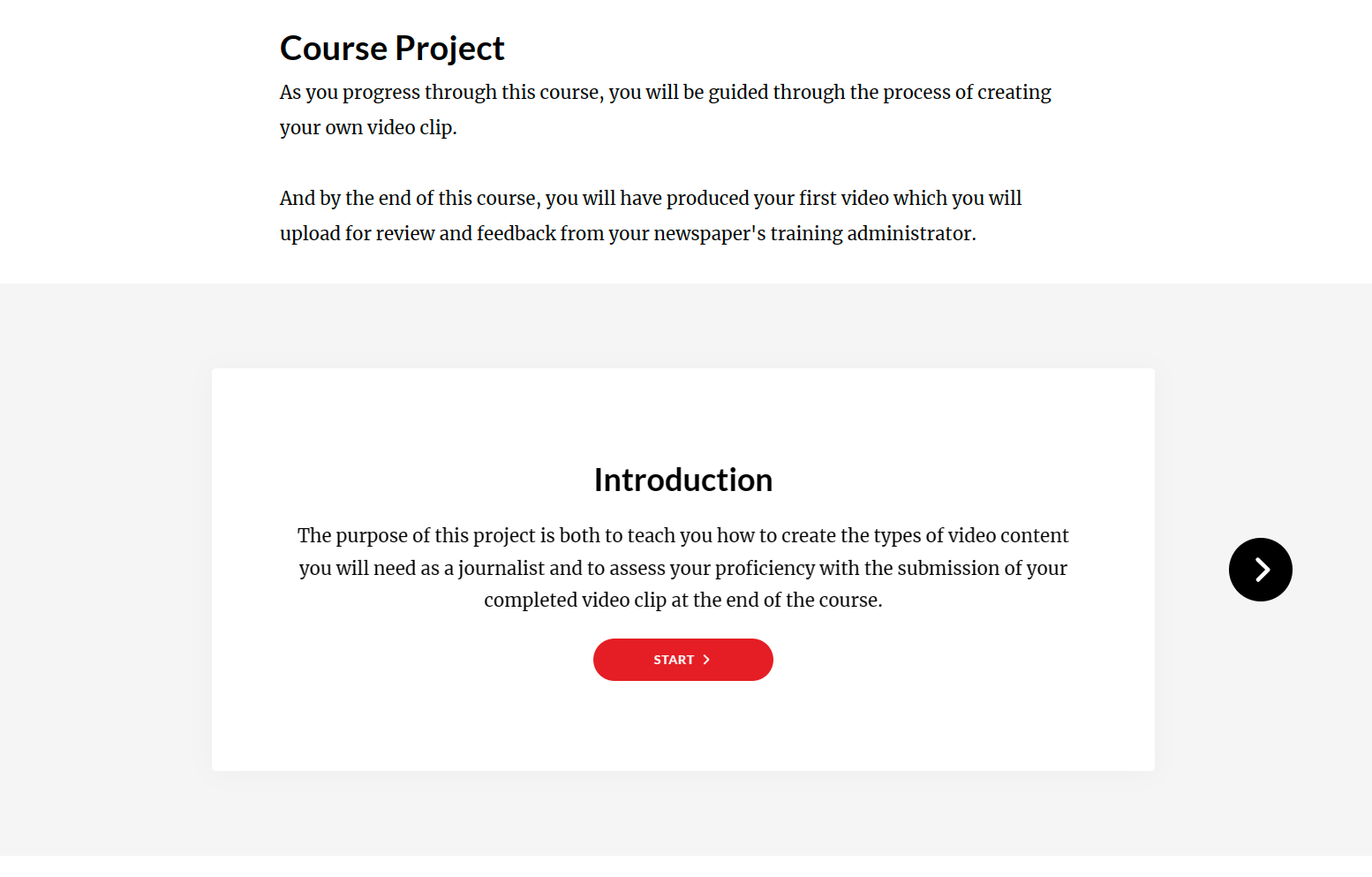
As the learners progress through each part of the course, they will also complete a new step of the project to immediately put to use the knowledge they just gained so they can develop their own skills. The course walks them through the entire process, start to finish, to create their own short news video.
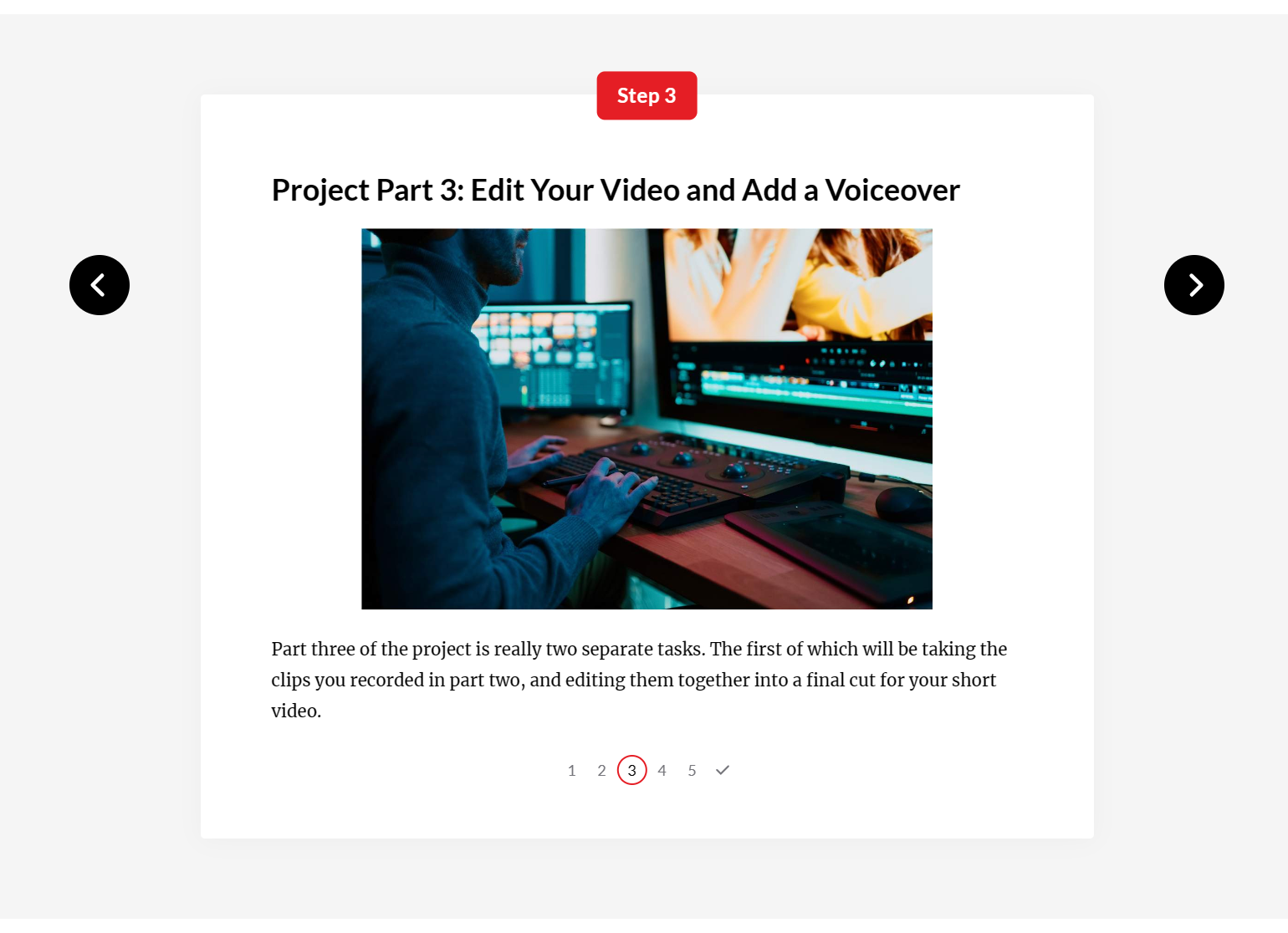
I also wanted to have the videos graded directly by the learner’s supervisor so that the supervisor would have confidence in the learner’s ability to create a video and the learner would know that their supervisor has approved of the product they know how to create. Ultimately, they don’t work for the course, so the learners need to understand what they can expect when creating their products in their work environment.
To help supervisors have an idea of what to look for, and top help learners know what’s expected of them, simple, easy-to-use rubrics are available to supervisors in the LMS and learners in each part of the project within the course.
Course Promotional Video
At the end of development, I also create a promotional video for the course that the Arizona Newspapers Association could use to generate interest in their course.
Like the videos in the course, I created this from content I recorded, created within my video editor, or got from stock clips.